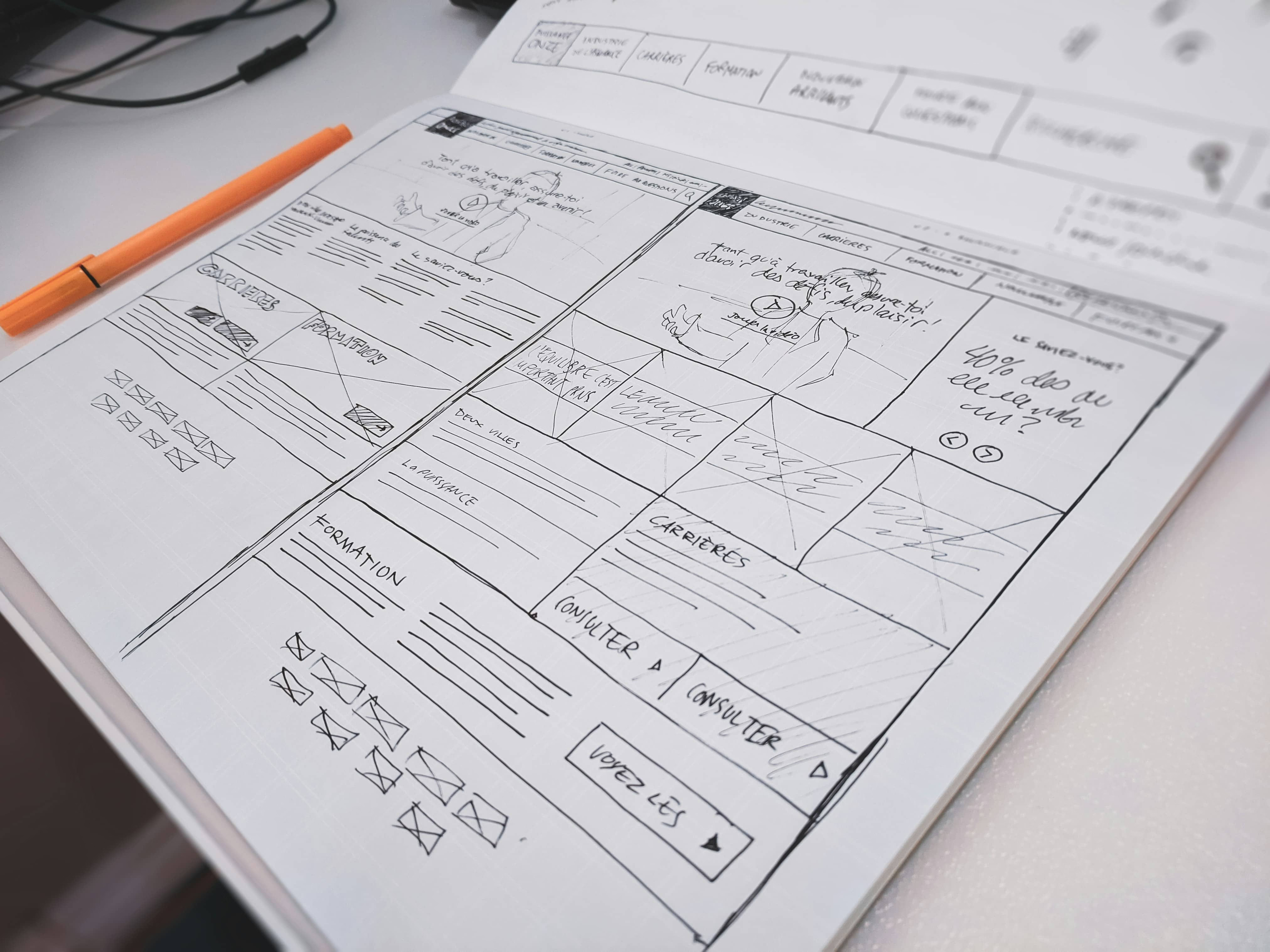
If your business has one clear offer and customers mostly just need to call you, a one-page website can do the job. If you sell several services that customers weigh up separately, plan a few core pages plus a page for each of those services. There’s no minimum page count, and no number that Google rewards.
BitForward is a web design and software development studio based in Calgary, AB. This guide walks through two launch plans for the same business, so you can leave with a draft page list to hand a designer.
Key takeaways
- Start from customer questions. Each page should answer something people need to know before they call.
- One page can be enough. It works for one clear offer and a simple way to get in touch.
- Give distinct services their own page. Do it when customers search for, compare or worry about them separately.
- Grow into the rest. Add area pages, case studies and a reviews page once you have the demand or the material.
- Page count does not set the price. Copywriting and integrations change the work more than the number of pages.
How many pages does a small business website need?
A small business website needs enough pages for customers to understand what you do, trust you and get in touch. For a service business, that might be one page or a dozen. The number follows from how many separate decisions your customers make, not from a target.
A few examples of scope:
- A mobile dog groomer with one service and a booking link can fit it all on one page: what’s included, the area served, a few reviews and how to book.
- A bookkeeper offering monthly bookkeeping and year-end help might use four pages: Home, About, Services and Contact.
- A renovation contractor doing kitchens, basements and bathrooms usually needs more, because each project has its own budget, timeline and questions.
More pages don’t help you rank on their own. A page earns its place in search when it answers something people actually look for. A thin page added to fill out the menu does nothing for you or the reader. For the wider planning picture, see web design for service businesses.
Two launch plans for a Calgary plumbing company
Say you run a plumbing company in Calgary that does three kinds of work: drain cleaning, water heater replacement and fixture installation. Here’s how the same business could scope its website at two stages.
| Four-page launch | Seven-page launch |
|---|---|
| Home | Home |
| About | About |
| Services (all three in short sections) | Services overview |
| Drain Cleaning | |
| Water Heater Replacement | |
| Fixture Installation | |
| Contact | Contact |
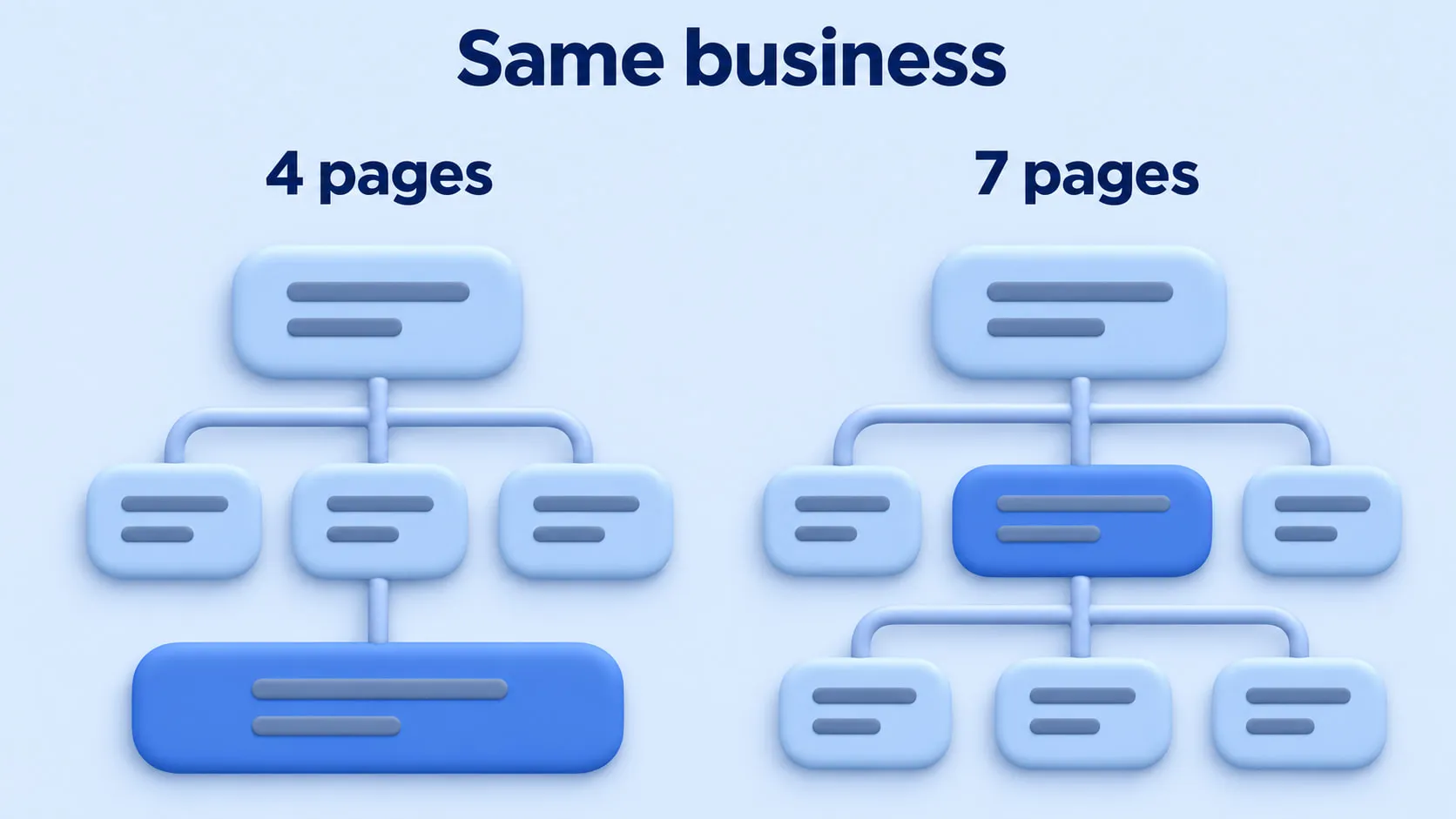
The four-page launch puts all three services on one Services page, each with a short paragraph, a few photos and a call button. That’s enough when most customers call first and ask their questions on the phone, and when each service is easy to explain in a few lines. It’s also a sensible start for a newer business that doesn’t have many job photos yet.
The seven-page launch gives each service its own page, because the people behind them want different things. Someone with a backed-up drain wants a fast response and a phone number. Someone replacing a water heater is comparing tank and tankless, asking how long the job takes and wondering whether the old one gets hauled away. A dedicated page can show job photos for that service, answer those specific questions and end with one clear next step, such as a call button for drains or a quote request for water heaters. It also gives Google a page that matches what each person searched for.
Neither count includes utility pages such as a privacy policy, a form thank-you page or a 404 page. Every site needs those, but they don’t change the plan. For more on how trades sites bring in local work, see contractor website design.
When should a section become its own page?
Start with a section when a short answer or a few examples cover what customers need. Consider a dedicated page when the topic answers a distinct customer question and you have enough useful, specific material to fill it. If you’d struggle to write more than a paragraph, it’s still a section.
Here’s how that rule applies to the pages owners ask about most:
- Reviews. A few short reviews on the home page and the matching service pages do more than a separate page most visitors never open. A reviews page makes sense once you have plenty, across different services. Our guide to getting more Google reviews covers building them up.
- FAQs. Put the questions about a service on that service’s page, where people have them. A separate FAQ page helps once you have questions that apply to every service, such as payment, warranties or booking.
- Galleries. A few job photos belong on the service page they show. A documented project, with a clear problem, what you did and how it turned out, can support its own case study page.
- Service areas. A page for a town or neighbourhood is useful when it tells someone there what they can’t get from your home page: whether you cover their street, how quickly you can usually get there, jobs you’ve done nearby and anything local that changes the work. A page that only swaps one town name for another helps nobody. Local SEO for Canadian service businesses explains how these pages fit with your Google Business Profile.
Launch now, add later: a page checklist
Use these two lists to draft your own page list before you ask for quotes.
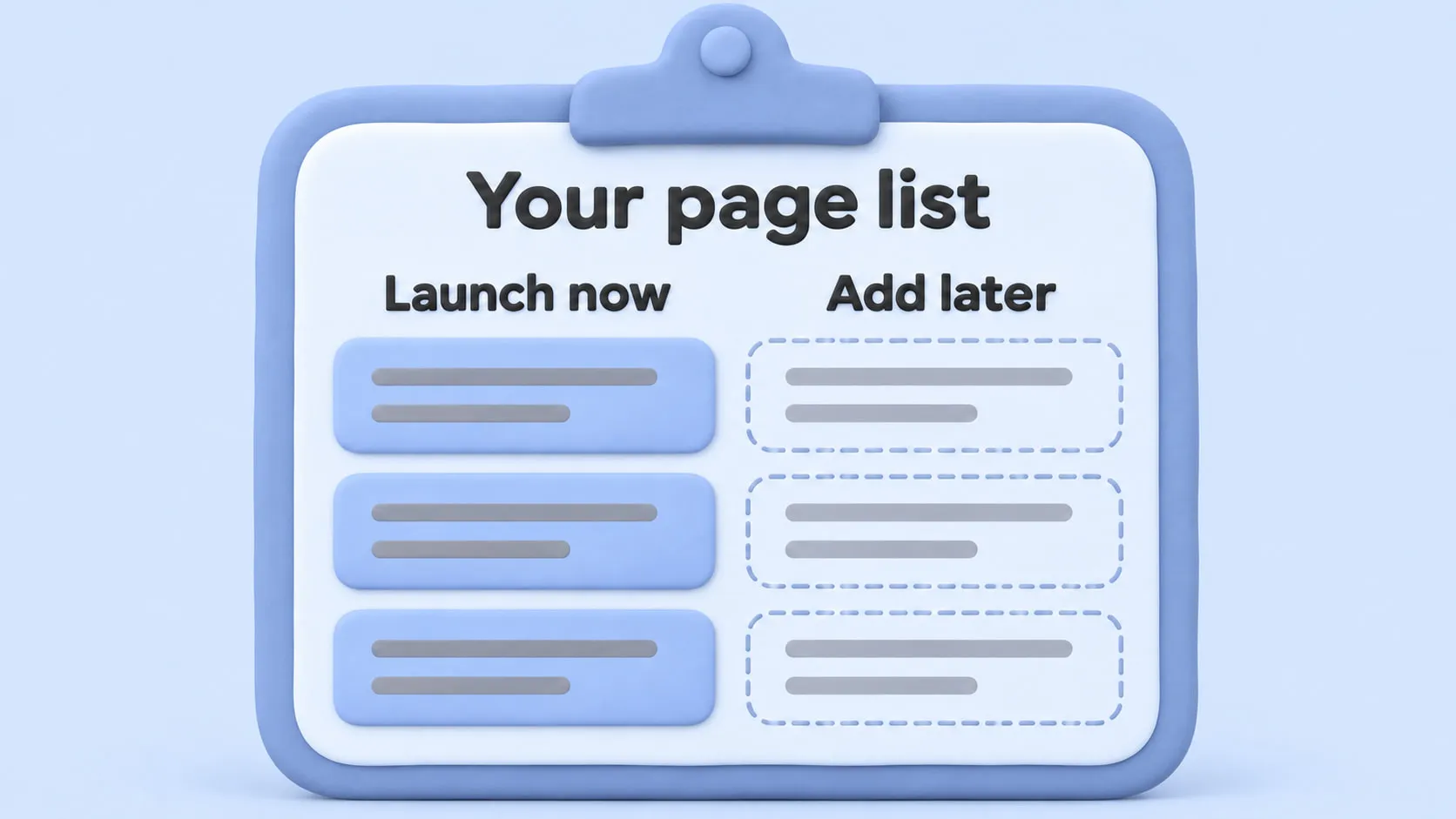
Launch now
- A Home page that says what you do, where you work and how to reach you.
- A Services page, or a services overview, that covers everything you offer.
- A dedicated page for each service with its own customers, questions or urgency.
- An About page that shows who does the work, with real photos if you have them.
- A Contact page with your phone number, a short form and the areas you serve.
Add later
- Service-area pages, once you get steady enquiries from a place and have local jobs to show.
- Case studies, once you’ve documented a project from problem to result.
- A reviews page, once you have enough reviews to fill one.
- An FAQ page, once customers keep asking the same questions across services.
- A blog, once you can keep answering real customer questions on a regular basis.
Ask your designer to plan the menu with room to grow, so new pages fit in later without a redesign.
Comparing quotes for the same page list
Two seven-page sites can cost different amounts. One quote might include original copywriting for every page, online booking, or a quote form connected to your CRM (the software that tracks your customers and jobs). Another might expect you to supply the words and use a basic contact form. Our Calgary website cost guide breaks down the pricing.
Final thoughts
Launch with the pages customers need to understand your offer, trust you and get in touch. Give a service its own page when it has its own questions, and add the rest once you have the demand and the material.
BitForward is a web design and software development studio based in Calgary, AB. When you ask for a quote, send your draft page list along, and I’ll tell you honestly what I’d launch with.