
Someone asks ChatGPT which standing desk suits a small room and gets a written answer, with a few websites linked underneath. If one of them is yours, an interested person lands on your page. If not, “Why does ChatGPT mention my competitor and not me?” is a fair question.
Most of the fix isn’t new: a site search tools can reach, with clear information from a source people can trust. BitForward is a web design and software development studio based in Calgary, AB, and this guide covers what I’d change on a real website, in order.
Key takeaways
- Step 1. Start with the SEO basics. Google's AI features run on its core ranking systems, and a page that isn't indexed can't appear in an answer.
- Step 2. Check that crawlers can reach you. Your robots.txt, firewall or JavaScript-only content can keep search crawlers out. OAI-SearchBot (ChatGPT search) and GPTBot (training) are separate settings.
- Step 3. Answer real questions plainly. Write about what your visitors actually ask, in concrete words.
- Step 4. Organize your pages for clarity. Put the direct answer near the top of each section, in concrete words that still make sense if they are quoted on their own.
- Step 5. Share what others can't. Original details, real examples and honest limits help more than extra words.
- Step 6. Add structured data where it makes sense. Structured data can help but is not required, and llms.txt is not a shortcut.
- Step 7. Keep your details consistent. Use the same name, services, location and hours on your site, directories and profiles.
- Step 8. Measure enquiries, not just citations. Use Search Console, Bing's AI Performance report and your analytics, and test a few questions by hand now and then.
Step 1. Start with the SEO basics
Google says its AI features are rooted in its core ranking and quality systems, so SEO best practices still apply. To appear as a link in AI Overviews or AI Mode, a page must be indexed and eligible to show in Search with a snippet. An unindexed page can’t be found, by a person or by an AI answer.
Here’s what I’d check first:
- Indexing. In Google Search Console, inspect your most important pages. If they’re missing, find out why before changing anything else.
- Titles, descriptions and headings. Each page should say plainly what it covers, and the title and main heading should agree.
- Links. Fix broken links, and make sure every important page is reachable from your navigation or another page.
- Mobile and speed. Pages should work well on a phone and load quickly (Google’s page experience guidance covers this).
- Duplicates. If the same content lives at several addresses, use canonical URLs to point to the one you want shown.
Try this today: open Search Console, inspect your homepage and your top three service or product pages, and write down anything that says “not indexed.”
Step 2. Make sure AI search tools can access your content
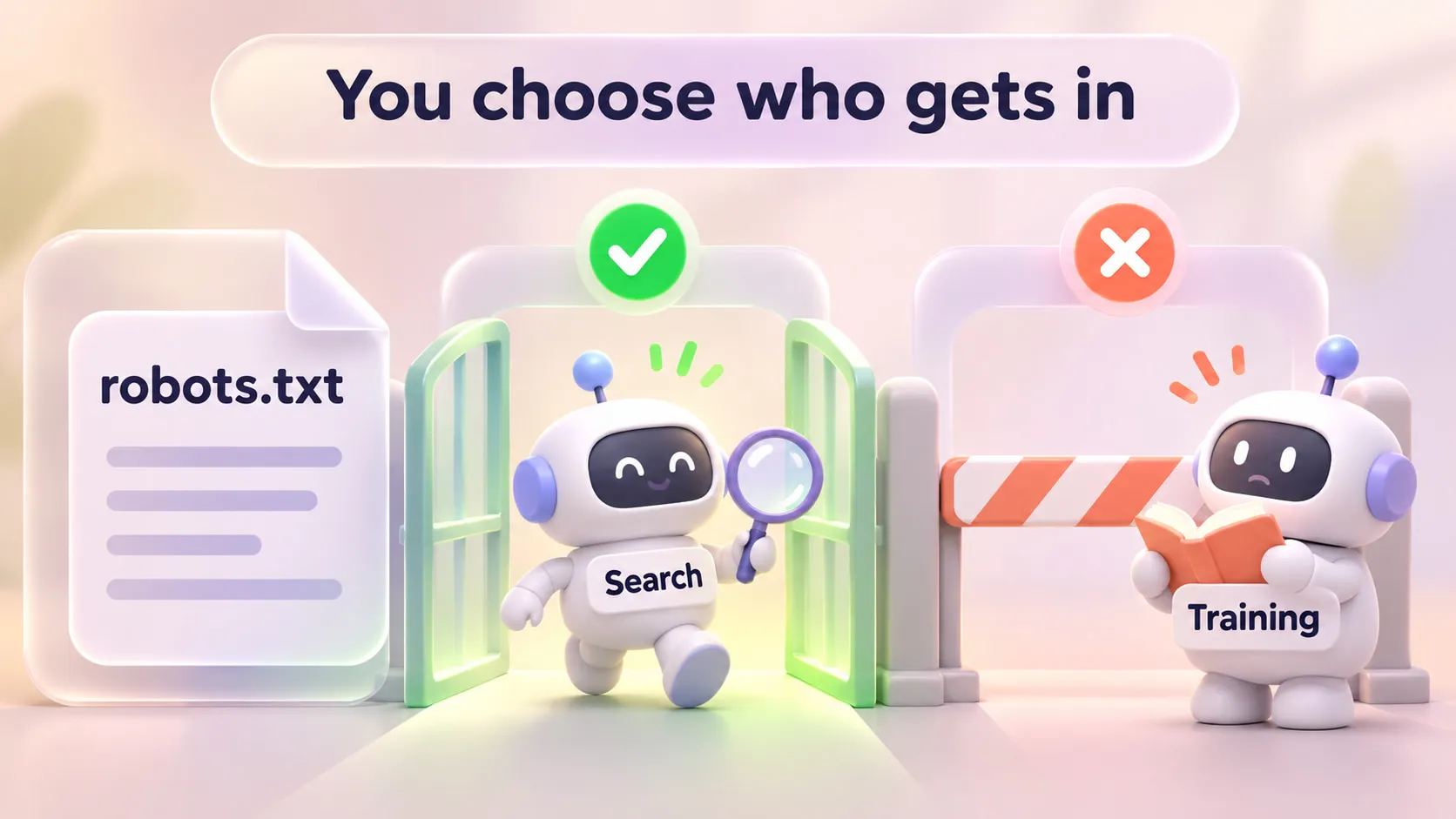
Being indexed isn’t the whole story, because different tools use different crawlers. A crawler is a program that visits pages so a search system can read them. Each company publishes its own, and your robots.txt file (a small text file that tells crawlers what they may visit) can allow or block each one separately.
| Crawler | Belongs to | What it’s for |
|---|---|---|
Googlebot |
Search, including AI Overviews and AI Mode | |
Bingbot |
Microsoft | Bing search, which Microsoft’s AI experiences draw on |
OAI-SearchBot |
OpenAI | Showing sites in ChatGPT’s search features |
GPTBot |
OpenAI | Collecting content that may be used to train OpenAI’s models |
The last two matter most here. OpenAI describes them as independent settings. A site can allow OAI-SearchBot to be eligible for ChatGPT search while disallowing GPTBot to signal that its content shouldn’t be used for training. OpenAI notes that sites opted out of OAI-SearchBot won’t be shown in ChatGPT search answers, and that robots.txt changes can take about 24 hours to take effect. Nothing I’ve found says you must allow training crawlers to appear in AI search.
You stay in control. Whether to allow any given crawler is your decision, and I wouldn’t open everything up just in case.
A common problem looks like this (a hypothetical example). A site is built on a staging copy with a robots.txt that says Disallow: / for everyone. The site launches, nobody replaces the file, and search crawlers are told to stay out. It’s a quick fix once you see it, so open yourdomain.com/robots.txt and read it.
Two more things to check:
- Firewalls and bot protection. A CDN or security setting can block crawlers you meant to allow, even when robots.txt looks fine. Ask whoever hosts or manages your site.
- Plain HTML. Put your core content in the page itself. Google can process JavaScript, but sites that depend on it are harder to get right. Microsoft also suggests keeping key answers out of hidden tabs and images.
Step 3. Answer the questions your visitors actually ask
A page that answers a real question clearly gives people, and search tools, something specific to use. Start with the questions you already hear:
- Customer emails and enquiries. The same question arriving three times is a page waiting to be written.
- Sales and support conversations. Note what people ask before and after they buy.
- Search Console queries. The Performance report shows the words people used before landing on your site.
- Your FAQ. Check whether the answers are complete.
Then write the answer in plain, concrete language. Compare these two lines:
We provide innovative solutions for businesses of every size.
Our website maintenance service covers software updates, security checks, backups, and small content changes.
The first could describe any company. The second tells a visitor what they get, and it’s a sentence that still makes sense if it’s quoted on its own.
Use descriptive headings and put the direct answer near the top of the section. You don’t need to turn every heading into a question. Google also says you don’t need to rewrite content just for AI systems, because they can handle synonyms and different phrasings.
Step 4. Organize your pages for clarity
Good structure is for people first. It also makes a page easier for software to read. A few habits cover most of it:
- Headings. One clear H1, with H2 and H3 headings in a logical order.
- Short paragraphs, each making one point, with numbered steps for instructions and bullets for related items.
- Tables only for genuine comparisons, like the crawler table above.
- Descriptive internal links, so a reader knows where each one goes.
- Visible text. Important details belong in readable HTML, not only in an image or a PDF.
One myth is worth correcting. Google says there’s no requirement to break content into tiny “AI-friendly” chunks. Microsoft’s guidance does recommend concise, self-contained answers, so advice varies between companies. Neither is a reason to chop up a page that already reads well.
Here’s a hypothetical before and after. A service page says: “We offer lots of options, and timing depends on the project, so reach out for details.” Reorganized, it becomes:
How long does a project take? Most small projects take a few weeks, depending on how quickly content and feedback arrive.
- Planning and content first
- Then design and build
- Review and launch last
Same information, but a visitor can find it in seconds. Use your own real timelines.
Step 5. Give people information they cannot find everywhere else
If I could only pick one step, this is it. Google’s guidance says creating unique, valuable content will likely influence your presence in generative AI search more than any other suggestion in its guide. It warns against content that simply restates what’s already out there.
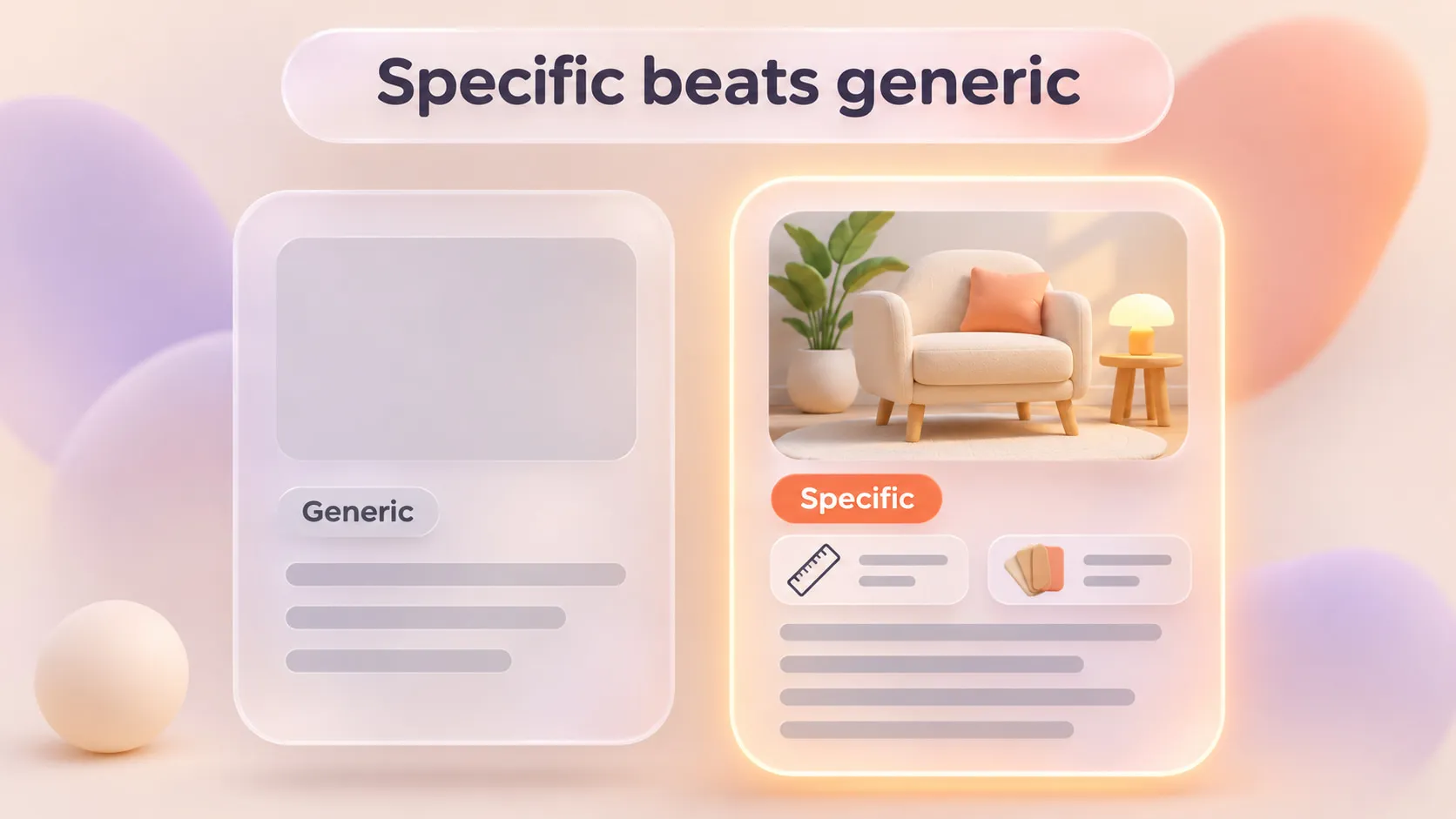
More words don’t help. More usefulness does. Here’s what that can look like for different sites:
- E-commerce. Real measurements, materials, compatibility, care instructions, and how the product holds up in use. A manufacturer’s description copied onto your page adds nothing.
- Professional services. Explain your process, what it costs or what drives the cost, what you don’t do, and how long it usually takes. Honest limits build trust.
- Non-profits. Describe each program, who is eligible, how funding is used, and what has measurably changed. Publish only figures you can stand behind.
Other things that set a page apart are photos and video you made yourself, real project examples, genuine customer feedback, author credentials with clear business information, and pages updated when prices or policies change.
Step 6. Add structured data where it makes sense
Structured data is extra information, written in a format called JSON-LD, that tells search engines certain facts about a page in a consistent way. Think of it as a label on a box: the content is the same, but the label makes it quicker to identify.
Common types include Organization (business name, logo, contact details), Product (price, availability, reviews), Article (headline, author, dates) and BreadcrumbList (where a page sits in your site). Others, like LocalBusiness or Event, may fit depending on your site. Schema.org lists the types, and Google’s Rich Results Test shows whether a page’s markup can be read. Structured data should match what visitors can actually see on the page.
Be realistic about what it does. Google says there’s no special schema you need to add for its AI features, and that structured data isn’t required for them. It still helps with conventional search features such as rich results. It isn’t a shortcut to being cited, and I wouldn’t treat FAQ markup as a universal AI tactic.
Step 7. Build a trustworthy presence beyond your website
People and search systems can come across your business in many places: directories, social profiles, press mentions, review sites. They should all tell the same story. Here’s what helps:
- Accurate, consistent details. Keep your business name, services, location and hours the same wherever they appear. If your site says “Smith & Daughters Plumbing” and a directory says “Smith Plumbing Ltd.” with an old phone number, a customer can’t tell which is right. Neither can a search tool. That example is hypothetical.
- Real references. Earn links and mentions by being useful to the people who write about your field.
- Your expertise, shared. Answer questions where your audience already gathers, without turning it into advertising.
- Genuine reviews. Ask real customers when it’s appropriate, and never write or buy them.
- Corrections. If an old description is wrong, ask the owner of that page to fix it.
Google also says that seeking inauthentic mentions isn’t as helpful as it might seem. No amount of directory listings or forum posts guarantees a recommendation. Local listings and Google Business Profile are their own topic, and I’ll cover them in a separate post. For the wider picture, local SEO for Canadian service businesses is a good place to start.
Step 8. Measure your AI search visibility
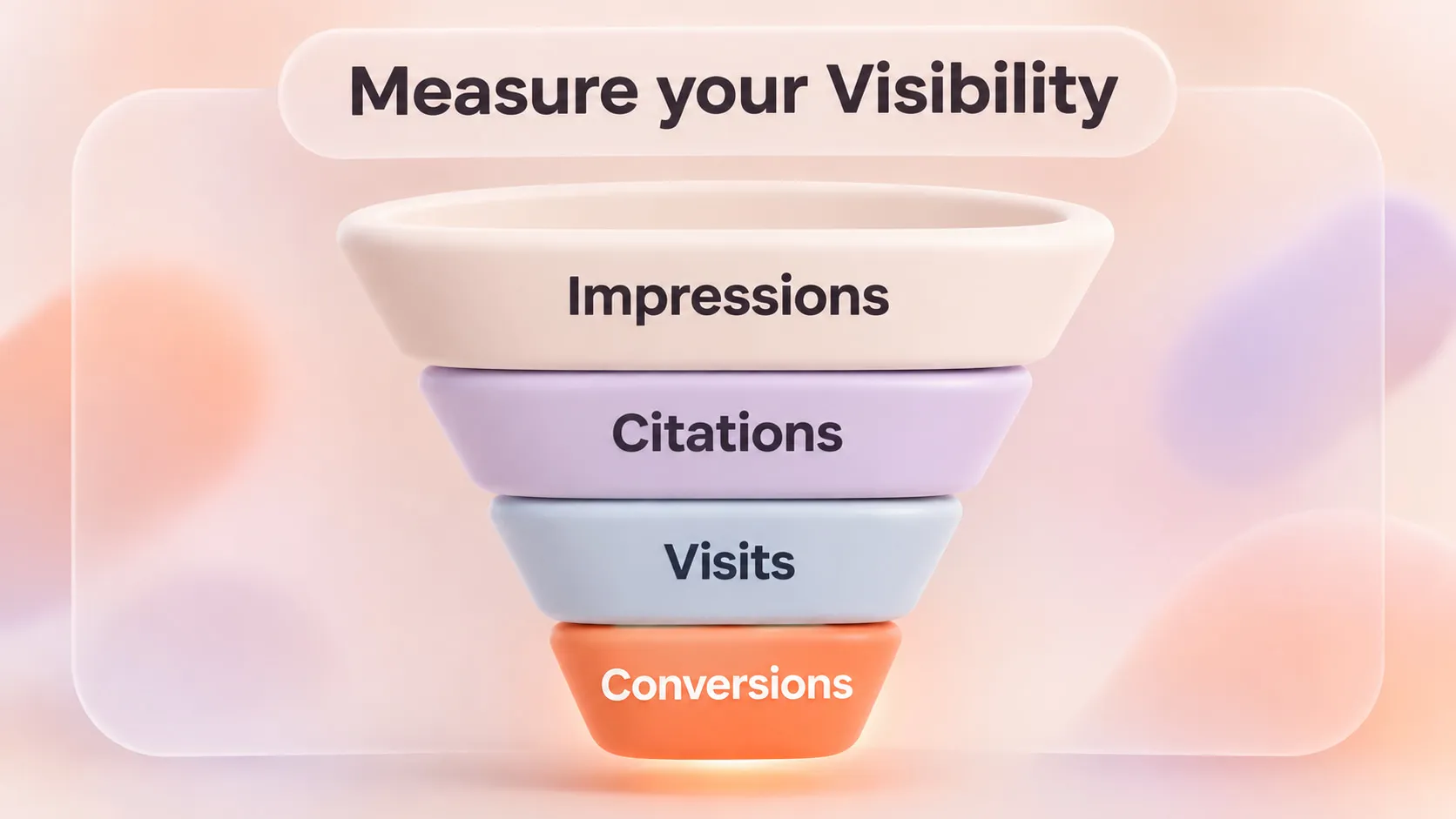
Five things often get blurred here. Visibility means your content can appear in an answer. An impression means a link to your site was shown. A citation means your page was named as a source. A visit means someone clicked through. A conversion means that visit became an enquiry, purchase, booking or donation. Each is smaller than the last, and only the last one pays the bills.
Google Search Console. It has a Generative AI performance report covering AI Overviews and AI Mode. It reports impressions, with views by page, country, date and device. If you don’t see it, it usually means the site hasn’t received enough impressions yet.
Bing Webmaster Tools. The AI Performance report covers Microsoft Copilot, AI summaries in Bing and some partner experiences. It shows total citations, which pages are cited, and grounding queries (short phrases the AI used when retrieving your content). Microsoft states that a citation isn’t a click or traffic, and that the data is a sample.
Website analytics. Look at your referral sources for visits from AI tools. Some pass referral information and some don’t, so treat what you see as a floor, not a total.
Manual testing. Every so often, ask ChatGPT, Copilot and Google the questions your customers would, and note which businesses and sources come up. Answers vary with context, date, location and the tool used, so a few searches are a rough check, not a ranking.
Most of all, keep an eye on enquiries, sales, bookings or donations. Citations are only useful if they lead somewhere.
What about AI SEO tricks like llms.txt?
You’ll see plenty of advice about shortcuts. A few worth knowing:
- llms.txt. Google says its search doesn’t use these files, so they won’t help or hurt you there. Creating one is fine if you want to, but it isn’t a requirement.
- Splitting every paragraph for AI. Google says it’s unnecessary.
- Hundreds of keyword variations. Google’s systems understand related wording, and publishing a page per variation can fall under its scaled content abuse policy.
- Fake reviews or manufactured mentions. Poor ethics and poor strategy.
- “AI optimization” packages with guarantees. Nobody can guarantee a recommendation.
Before trying anything speculative, make your site easy to find, useful to read and quick to use. That work holds up whichever tool people use next year.
AI search optimization checklist
Check today
- Key pages are indexed in Google Search Console.
- Your robots.txt doesn’t block search crawlers by mistake.
- Titles, descriptions and main headings agree on each page.
- Business details match across your site and other listings.
May need a developer
- Firewall or bot-protection rules aren’t blocking crawlers you want.
- Core content appears in the page’s HTML, not only after scripts run.
- Structured data is in place and matches the visible page.
- Broken links are fixed, and important pages are linked from somewhere.
Ongoing
- Add real answers, specifics and original material to your key pages.
- Review the Search Console and Bing reports monthly, and track enquiries, sales or bookings.
Final thoughts
AI search is changing how people find information, but the groundwork is familiar: let search tools reach your pages, say useful things clearly, and keep your details accurate everywhere. Then measure and adjust.
BitForward is a web design and software development studio based in Calgary, AB. Not sure your site is easy to find and understand? Request a free website audit and I’ll explain what I’d fix first.