If you are about to brief a web designer, or you are looking at a redesign proposal someone already sent you, it is easy to get lost in a list of features that all sound good. Custom animations. A blog. A photo gallery. A chatbot. Most of these have nothing to do with whether the site actually produces leads.
A lead generation feature is one that changes whether a visitor gets found, trusts you, or contacts you. Everything else is decoration. This list separates the two, so you know what to ask for when you commission a site and what to check for if you already have one.
What actually counts as a lead generation feature?
A feature earns the label “lead generation” if removing it would measurably reduce the number of people who contact you. A fast-loading homepage is a lead generation feature: slow load times cost you visitors before they see anything else. A custom-illustrated hero graphic usually is not: it might look nicer, but a visitor rarely leaves because the illustration was generic.
This distinction matters because agencies and templates both tend to sell on visual polish, since it is the easiest thing to show in a portfolio. The features below are the ones that do the actual work of turning a stranger into an enquiry, in roughly the order a visitor experiences them.
Features that get your site found in the first place
None of the features further down this list matter if nobody sees them. These are the structural pieces that determine whether your site shows up when someone searches for what you do.
- Dedicated pages for each service you offer. A single homepage that lists five services in one paragraph gives Google nothing specific to rank, and gives a visitor searching for one of those five services no reason to believe you specialize in it. Separate pages let each one target its own search terms and speak directly to that visitor’s intent.
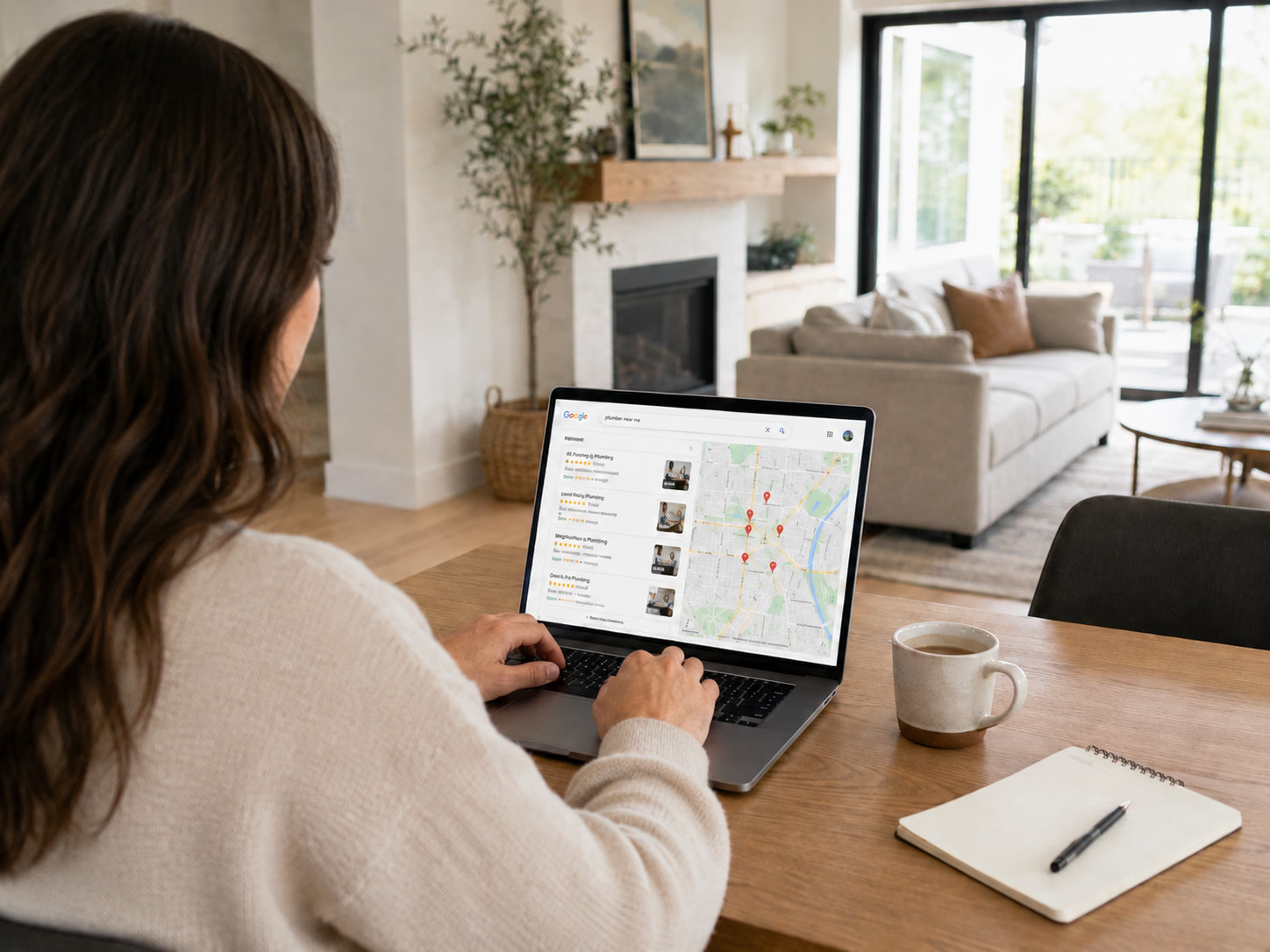
- Location-aware copy and schema. Your city and service area mentioned naturally in the text, plus structured data that tells Google exactly where you operate. This is what connects your website to local searches like “plumber near me” or “auto repair Calgary,” and it reinforces your Google Business Profile rather than duplicating it.
- A site structure Google can actually crawl and understand. Clean URLs, a logical page hierarchy, and proper heading tags sound technical, but they are the difference between a site that ranks and one that never gets indexed properly. This is foundational work, not an optional add-on.
Features that build enough trust to make someone reach out
Once a visitor lands, the site’s job shifts from being found to being believed. Service buyers are being asked to let a stranger into their home, work on their car, or handle their money. Trust has to be earned in seconds, not paragraphs.
- Specific testimonials, not generic praise. “Great service!” convinces nobody. A testimonial that names the problem, the business type, and the outcome does real work. If you do not have real client reviews yet, a request-a-review workflow tied to your Google Business Profile should be part of the build.
- Real project examples, shown honestly. A gallery of finished work, described in enough detail that a visitor can picture their own project. Our Torix Auto and Grador Paving projects are concept builds we designed to demonstrate exactly this kind of trust-focused layout for an auto shop and a paving contractor, not live client engagements, and that distinction matters: showcase your actual work honestly, and never dress up a demo as a client result.
- Visible credentials. Licensing, insurance, years in business, certifications. These belong near the top of the page or in the header, not buried in an about-page paragraph nobody scrolls to.
Features that remove friction from contacting you
A visitor who trusts you still needs an easy, obvious way to act. This is where most service websites quietly lose leads they had already earned.
- One clear call to action per page. Not a navigation bar with six competing options. A single, specific invitation, such as “Request a quote” or “Book an appointment,” repeated at the points where a reader’s interest peaks.
- Click-to-call on mobile. A phone number that opens the dialer with one tap, not one that requires a visitor to copy and paste a string of digits. Most local service searches happen on a phone, often in a moment of urgency.
- A short contact form. Name, phone or email, and a one-line description of what they need. Every additional required field is a reason for someone to abandon the form before submitting it. For a full breakdown of what belongs on a contact form and what doesn’t, see contact form best practices for service businesses.
The infrastructure features that make everything else possible
These do not show up visually, but they determine whether any of the features above ever get the chance to work.
- Mobile-first responsive design. Over 60% of Google searches now happen on mobile devices,[1] and a service business site that was designed for desktop and shrunk down loses those visitors before they read a word.
- Fast hosting and a lean build. As page load time increases from one second to three seconds, the likelihood of a visitor leaving rises by 32%.[2] Speed is not a nice-to-have layered on afterward; it has to be part of the technical foundation from day one.
- Analytics and lead tracking. Knowing which pages get traffic, where visitors drop off, and which calls-to-action actually get clicked. Without this, every future decision about the site is a guess instead of a measurement.
For the full picture of how these pieces work together as a system, how service businesses get leads from their website covers the underlying strategy, and the 7 essentials of high-converting small-business websites goes deeper on the conversion mechanics behind several of the items above.
How to use this list when briefing a designer
You do not need to demand every feature on this list in the first version of your site. What matters is knowing which ones are structural and which are cosmetic, so a proposal heavy on the second and light on the first is a signal worth questioning.
A useful test: for each feature a proposal includes, ask what specifically it is supposed to change about how many people find the site, trust it, or contact you. If the honest answer is “it will look more professional,” that may still be worth having, but it is not a lead generation feature, and it should not come at the expense of one that is.
Frequently asked questions
Do I need all of these features on day one?
No. The structural ones (dedicated service pages, mobile-first design, a working contact path, fast hosting) should be there from launch. Testimonials, additional project examples, and deeper local SEO content can be added as the business generates them. What matters is that the foundation supports adding them later without a rebuild.
Which feature has the biggest impact on leads?
It depends on what is currently missing, which is why an audit is more useful than a generic ranking. A site with no mobile-friendly layout will see the biggest gain from fixing that first. A fast, well-structured site that buries its contact form will see more from simplifying that instead. A free website audit identifies which of these is actually holding your specific site back.
Can a template include these features, or do I need a custom build?
Many of these features, dedicated service pages, a short contact form, mobile responsiveness, can be implemented well on a good template. Where templates start to limit you is local schema, page speed at scale, and the flexibility to fix a specific conversion problem once you find one. Our web design and development service covers both approaches depending on where your business is at.
How do I know if my current website already has these features?
Check each one directly rather than guessing. Search your own business online and see if individual service pages show up. Load your site on a phone with a slow connection. Try filling out your own contact form. Look for a specific, named testimonial above the footer. Most gaps are easy to spot once you are looking for them deliberately instead of just browsing your own site.
The features that generate leads are rarely the ones that make a site look impressive in a portfolio screenshot. They are the ones that quietly remove every reason a visitor had to leave before contacting you.
If you are planning a new site and want it built around these features from the start, our web design and development service covers exactly how we approach that. If your current site is missing several of the items above, a free website audit will tell you specifically which ones are costing you leads.