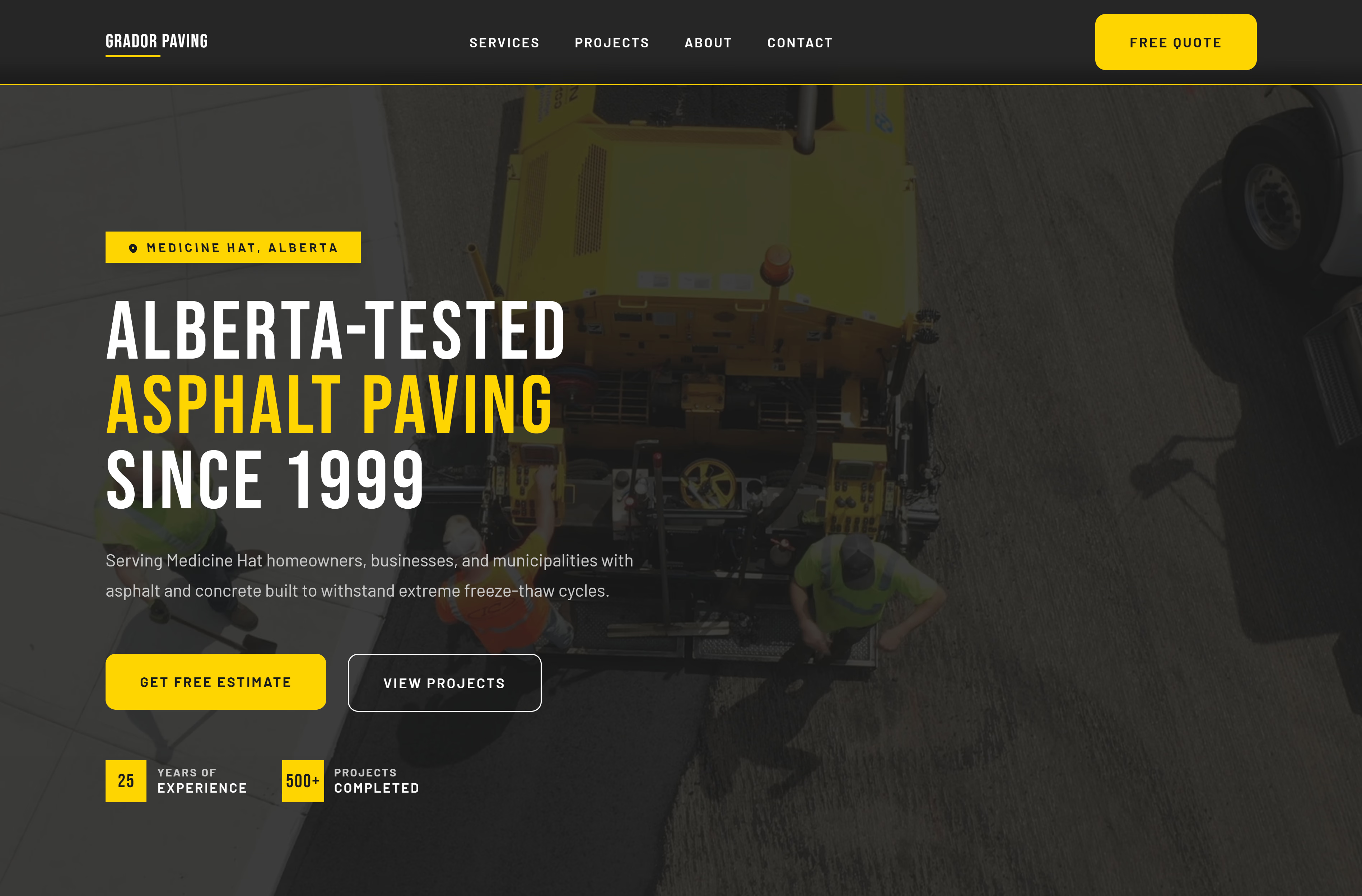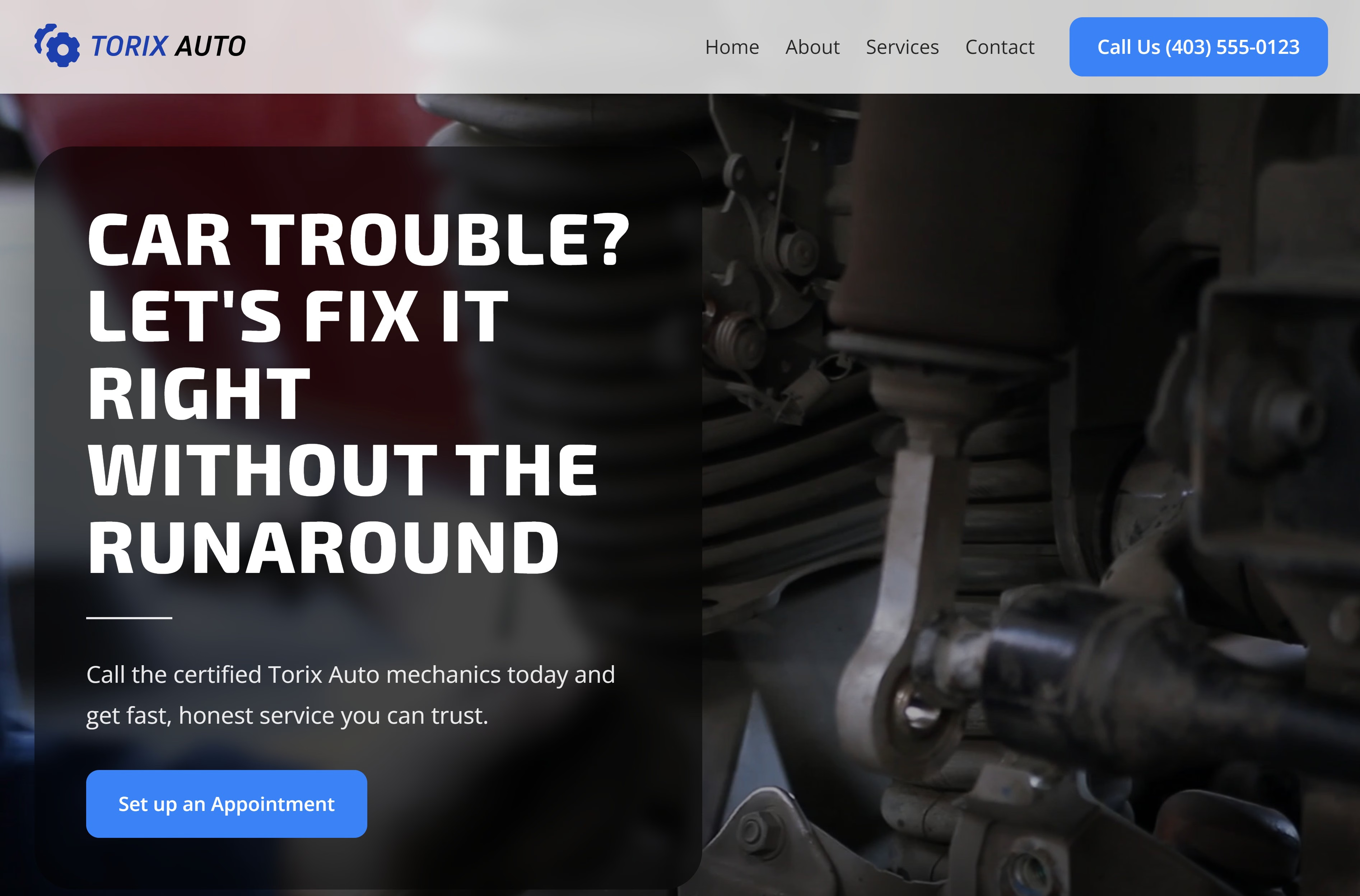
I see it all the time: beautiful websites that don’t bring in business. The phone stays quiet, the contact form empty, and the owner can’t figure out why.
The problem isn’t your service. It’s that visitors can’t quickly figure out what you do or how to get started. When people feel confused, they leave. When everything is clear and easy, they become customers.
Here are the seven things that actually matter.
1. Clear Messaging the Moment Someone Lands
You have about three seconds before visitors leave. That’s why your homepage headline matters so much.
Skip vague phrases like “Excellence in Service” or “Your Trusted Partner.” Instead, be direct. A plumber might say “Emergency Plumbing Repairs, We’re There in 60 Minutes or Less.” A bakery could say “Custom Birthday Cakes in Calgary, Order by Tuesday for Weekend Pickup.”
When visitors instantly understand what you offer, where you are, and what makes you special, they stick around. And when they stick around, they become customers.
2. A Strong Call-to-Action That Never Gets Lost
If someone has to hunt for your “Contact Us” button, they won’t. They’ll just move on to the next website.
Your main call-to-action needs to be impossible to miss. Put a bright “Book Now” or “Get a Free Quote” button at the top of your page where it stays visible as people scroll, and repeat it after each major section so visitors never have to scroll back up to act.
Think about someone searching for a house cleaner during lunch. They want to book fast, not play hide-and-seek with buttons. Make it obvious and easy.
3. A Mobile-First Layout That Loads Quickly
Most of your customers are on their phones. Someone’s pipe just burst and they’re frantically searching for a plumber. A parent is looking for a party venue while waiting in the school pickup line. They’re stressed, hurried, and on mobile.
If your site takes forever to load or looks messy on a small screen, they’re gone.
Your website needs big, easy-to-read text. Simple menus. Buttons big enough to tap with a thumb. And pages that load in two seconds, not ten. A smooth mobile experience tells people you’re professional. A clunky one tells them you’re outdated. Our post on why modern businesses need mobile-first web design goes deeper on what that looks like.
4. Social Proof That Builds Real Trust
Would you rather believe what a business says about itself, or what real customers say? That’s why reviews and testimonials are so powerful.
You don’t need anything fancy. A few short quotes from happy customers work wonders. A landscaper could share “They transformed our backyard in three days and stayed under budget, highly recommend!” Or a dog groomer could post before-and-after photos with a note about their calm grooming process.
These little pieces of proof convince people better than any slogan you could write. They’re real, relatable, and show you actually deliver. If you need more reviews to work with, here’s how to get more Google reviews. For the full range of proof that moves visitors to act, see trust signals that convert visitors into leads.
5. A Contact Process That Feels Easy and Friendly
Nobody likes complicated forms. The best ones are short and sweet.
Ask for the basics: name, email, maybe a phone number. Save detailed questions for the follow-up conversation. Some people prefer calling, others want to send a quick message. Give them both options.
Put your phone number where it’s easy to find. Make sure your form doesn’t feel like homework. The easier this step is, the more people will follow through. Tell visitors what happens next (“We’ll reply within one business day”), then respond quickly. A fast reply often wins the job before a slower competitor even sees the inquiry. Our guide to contact form best practices covers the details.
6. Clean, Authentic Visuals That Tell a Story
Stock photos are everywhere, and people can spot them instantly. Those overly perfect office scenes or generic handshakes don’t help you. They make your website feel fake.
What works? Real photos of your real business. Show your team working on a project. Share pictures of your actual workspace. If you’re a bakery, post photos of cakes you’ve made. If you run a repair service, show your crew on the job.
When people see the real you, they connect with you. A roofing company with genuine job site photos builds way more trust than one using glossy stock images. People hire people, not websites.
7. Helpful Content That Shows You’re the Expert
When you share useful information on your website, you prove you understand your field.
A pest control company could write about why ants show up in spring and how to prevent them. An HVAC company might explain how often to change air filters and why it matters. A dentist could answer “Why do my gums bleed when I floss?”
This kind of content does two things. First, it helps people solve small problems, which makes them remember you. Second, it shows you’re knowledgeable and trustworthy. When they need to hire someone for a bigger job, guess who they’ll call?
How to Check Your Website Against These Seven
Open your homepage on your phone and give yourself ten seconds. Then answer these honestly:
- Can you tell what the business does and where it works? If the headline could belong to any company in any city, it needs to be more specific.
- Is there one obvious next step? You should see a call or quote button without scrolling.
- Did the page load quickly on cellular data? If you waited, so did your visitors.
- Is there proof on the page? At least one review, testimonial, or real project photo above the footer.
- Could you contact the business in under a minute? Try submitting your own form.
- Do the photos look like your business? Replace any stock images a competitor could also be using.
- Does anything answer a customer’s question? A short FAQ, a guide, or a blog post that shows you know your field.
Every “no” is a place where visitors slip away. Fixing the first two usually has the biggest effect, because a visitor who doesn’t understand the offer or can’t find the next step never reaches the rest of the page. For a section-by-section breakdown, see the anatomy of a high-converting homepage.
Final Thoughts
A high-converting website isn’t about fancy tricks. It’s about making everything clear and easy.
When someone lands on your site, they should immediately understand what you do. They should see proof you’re good at it. And they should know exactly how to take the next step.
The businesses that grow make this experience feel natural and stress-free. When your website treats visitors like real people and gives them what they need, they become customers. It’s that straightforward.
If you want to go deeper on what conversion rate optimization actually means for a service business and how to measure and improve it over time, see our complete guide to conversion rate optimization for service businesses.